

Mosaic Creator
photo mosaic software
The most advanced Mosaic application
Mosaic Creator
Professional Photo Mosaic software
Mosaic Creator is photo mosaic software for creating many different mosaic types:
- Photo mosaic or mosaic picture
- Picture collages
- Mosaic tile design – prepare a work plan
- Tile mosaic
- Pixel art
- Mosaic graphics
- Video animations
- Text mosaics or ASCII art
There is a full range of options to control image distribution. Rendering templates simplifies configuration for unique mosaics. Mosaic Creator is mosaic software with the most features available today. The Mosaic Wizard simplifies the creation of mosaics.

Create unique photo mosaic
Create any type of mosaic
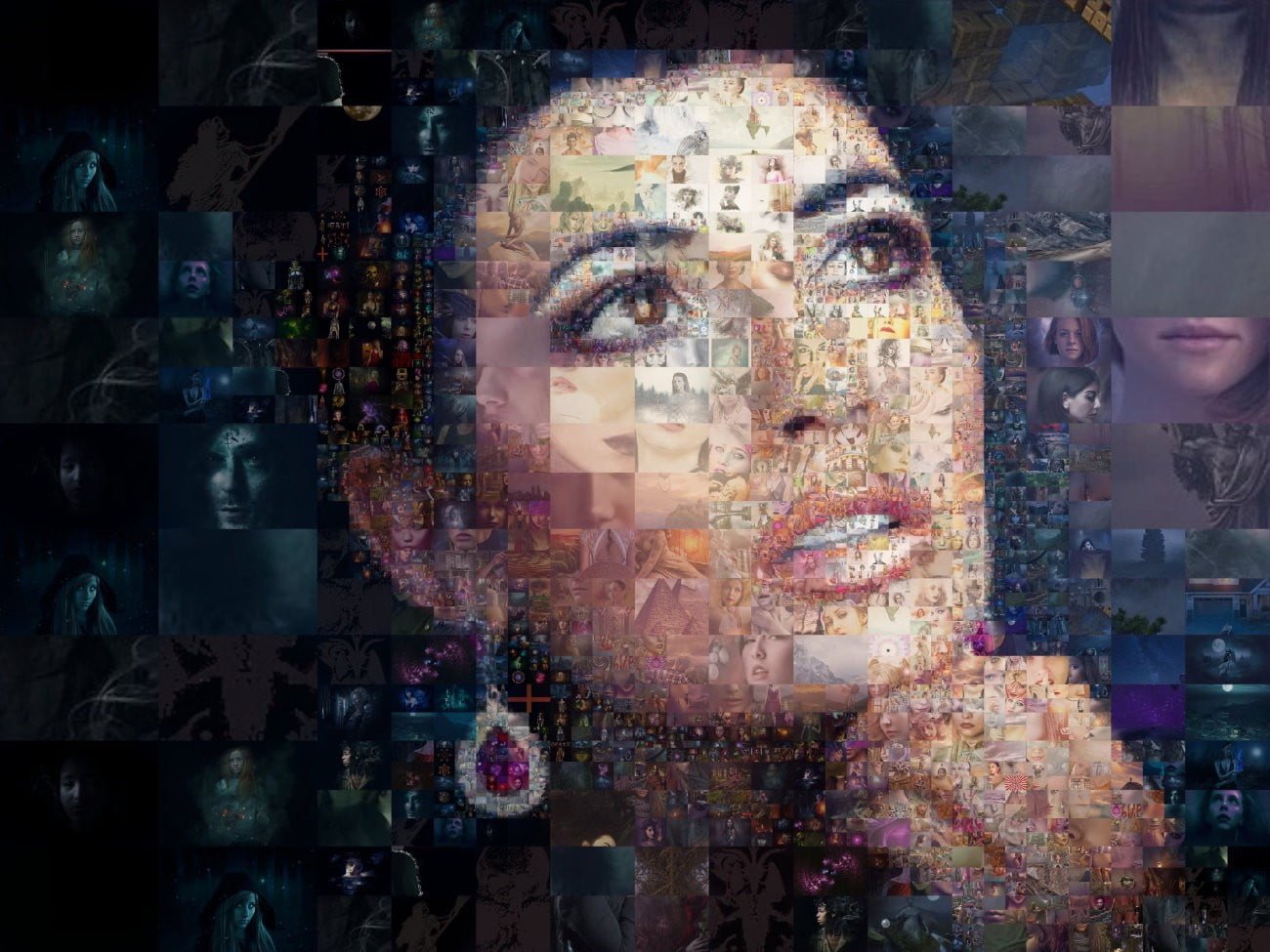
Photo Mosaic
Turn images into photo mosaic with different cell sizes and patterns. When is picture viewed from a distance, the original image is visible. A printed photo mosaic is the perfect gift for a birthday or anniversary.

Easily turn your favorite photos into a stunning mosaic collage masterpiece. Create a perfect photocollage with huge number of photos.

Calculate Tile Mosaic Design from glass, ceramic, stones or quilts. Prepare design for the bathroom or pool.
Use the mosaic calculator and preview the material list for the real mosaic build. Preview and export work plan and assemble your mosaic by calculated tile numbers.

Create a real-like tile mosaic from image tiles. Control fine tile rotation and random positioning. Make mosaic from Perler, Artkal, Hama, Nabbi, or other images or Fuse Beads colors.
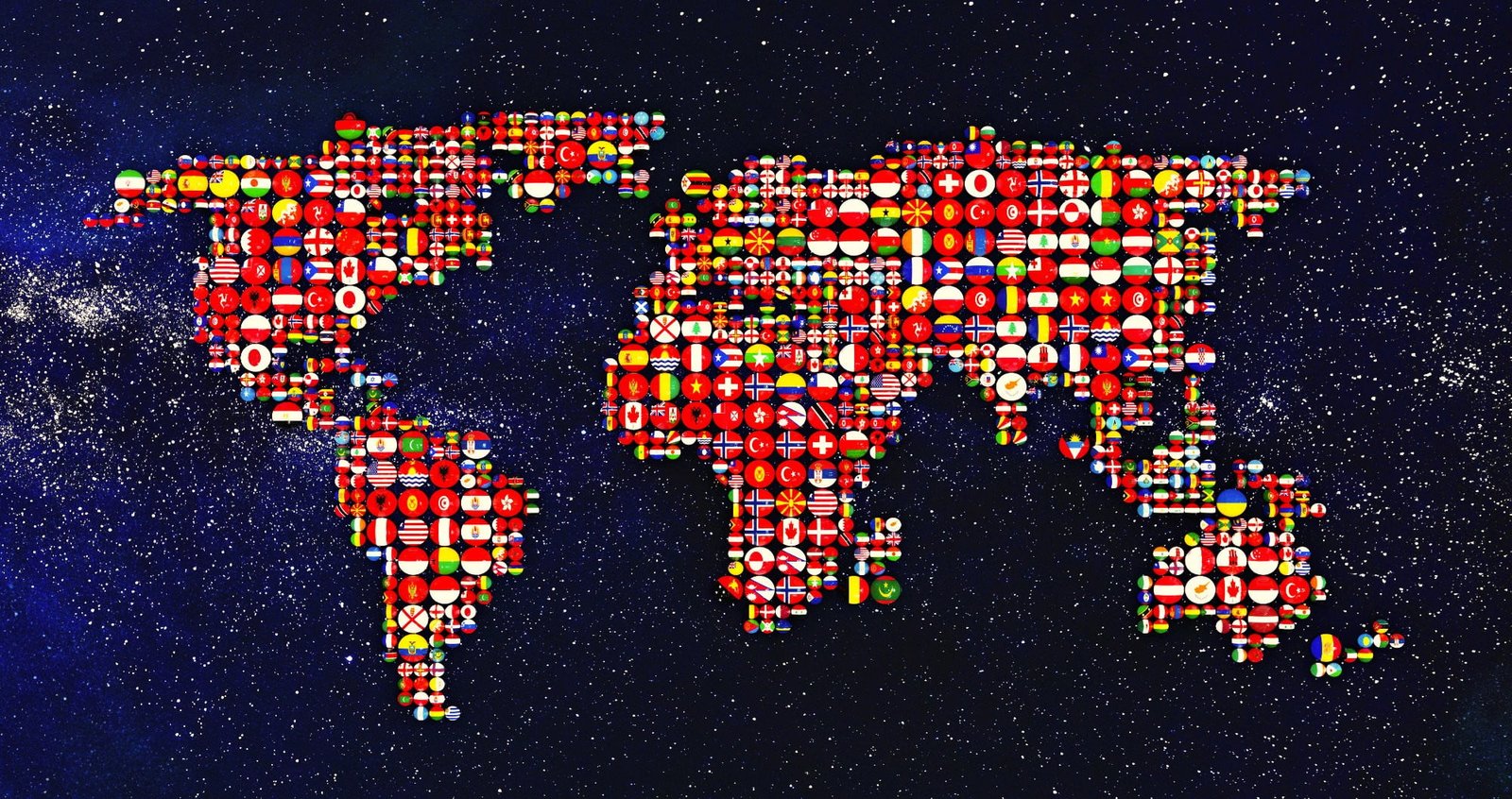
Unique Mosaic Graphics
Create unique mosaic graphics with different patterns, colorization, tile rotation and size. Make special image montage and
photo collage.

Text Mosaic
Create unique text mosaic graphics with different patterns, colorization, tile rotation and size. Use any image background, mosaic mask, fonts and colors.

Create a real-like tile mosaic from image tiles. Control fine tile rotation and random positioning.
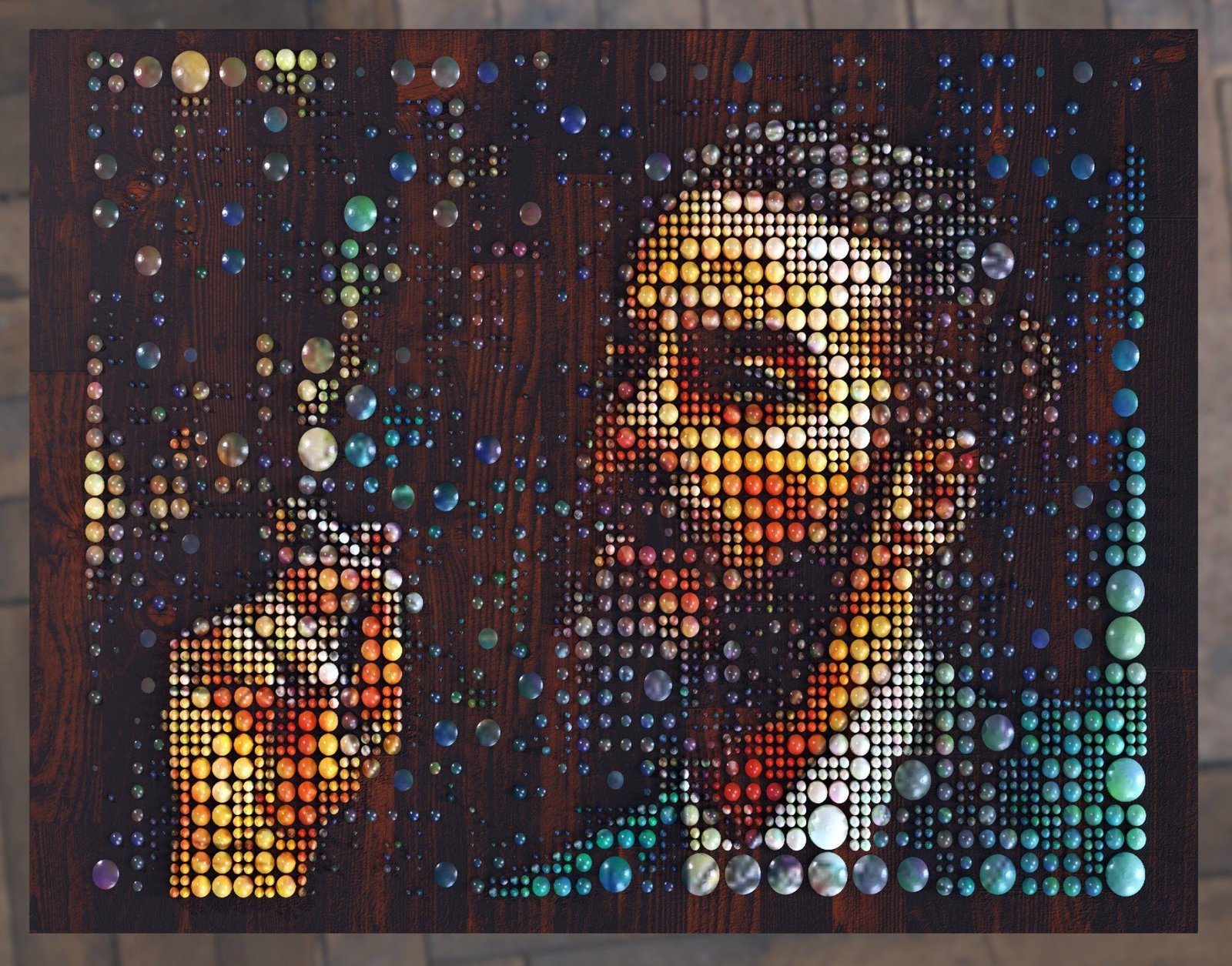
Mosaics Textures and Depth Maps
Prepare mosaic textures and depth maps for 3D rendering

Video Mosaic
Render video mosaic from video frame sequence or static images. Use all templates for photo mosaics and tile mosaics.
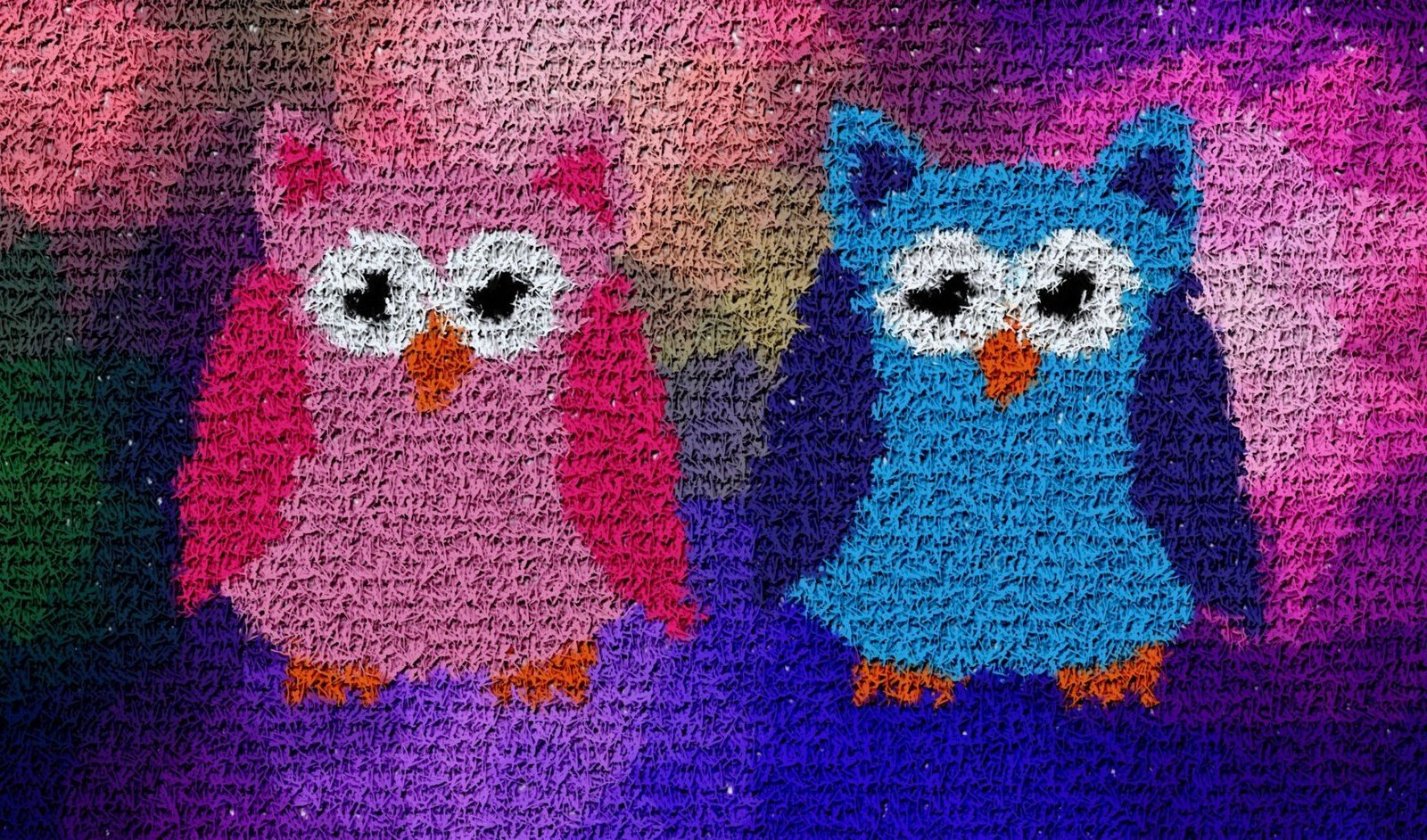
Random Mosaic or Color Mosaic
Generate random mosaic or color mosaic. You can use any images or photos and convert them to mosaic tiles.


From The Mosaic Creator users
Thanks, Geoff
Ken
Thank you, Kat. Caverly
Al
The Most Advanced photo mosaic software
Mosaic Creator features
Mosaic Wizzard
Select mosaic type and easy set mosaic configuration
Mosaic calculator
Mosaic size calculator for printed or physical mosaics
Color enhancements
Custom settings for color improvements
Mosaic filling options
Full control over mosaic tile filling - distance and repetition
60+ patterns
Patterns ready for use and pattern editor
Video mosaics
Unique features for photo mosaic rendering
High resolution output
Mosaic rendering in high resolution for poster print
Filling grid editor
Control mosaic filling with multi-size tile support
Random mosaic
Generate randomly filled mosaics
Download Mosaic Creator
Mosaic Creator is shareware with 30 days trial period. Output image file size is limited to 20 MB in the trial version.
Unregistered software superimposes the name of the program onto the bottom-left corner of the images. If you plan to continue using the program after that period, you must register.
For more information see Purchasing & registering help
System requirements
- MS Windows 7/8/10/11
- Minimum 2 GB RAM
- 30 MB disk space for program and additional files
- Minimum 500 MB storage for rendered result images
Buy Mosaic Creator
Mosaic Creator
Lite
$29
- Output limit 25 MB image size
- Free upgrades
- 80+ patterns
- e-mail technical support
- Poster size output
- Pattern editor
Mosaic Creator
Professional
$99
- No limit for output
- Free upgrades
- 80+ patterns
- e-mail technical support
- Poster size output
- Pattern editor
Mosaic Creator Lite to Professional Update
$79
- No limit for output
- Free upgrades
- 80+ patterns
- e-mail technical support
- Poster size output
- Pattern editor
Check discounts for multiple licenses on registration pages. You will be asked to input information about yourself. When Avangate, have received your order, your registration number will be emailed to you straight away.
In Mosaic Creator select the menu Help/Register and input your name and received registration number. Mosaic Creator shows password for unzipping additional pattern shapes. Registration is now complete!
Read more in Purchasing and Registering FAQ – After registration.
How to choose Mosaic Creator version
Mosaic Creator Lite
Meets non-commercial needs. You can use it commercially, but must respect version limitations.
Limitations
- Output image file size limit 25 MB
- image size A4/letter & 300 DPI or
- image size A3/ledger & 150 DPI or
- image size 3600 x 2300 pixels
- Predefined 80+ patterns
- No pattern editor
Recommended for
- small mosaics or web page size images
- calculating tile mosaics
Mosaic Creator Professional
For commercial use, appropriate for professional graphics like large posters.
- Support huge mosaics
- Predefined 80+ patterns
- Pattern editor for making own patterns
Recommended for
- commercial or private use
- rendering large photo mosaic posters
- rendering large mosaic graphics and text mosaics
- calculating huge tile mosaics
Frequently Asked Questions
Can’t you find answer for your question? Check support page
If you want purchase license for Mosaic Creator, please read Purchasing and Registering FAQ.
Before purchasing Mosaic Creator
You can download Mosaic Creator trial version, additional patterns and cell image collections from download page.
Lite version has limit 25MB for raw BMP file output. It is enough for image size letter/A4 & 300 DPI or A3 & 150 DPI. Professional version has no output file limit (2GB for file system limit). For some other details read about versions.
Mosaic Creator is most featured mosaic tool for creating mosaics. We decided to publish a low-priced Lite version for all of you, who just want to have fun with mosaics and want to create web thumbnail galleries. The lite version is limited in the size of the final mosaic, but it uses the same algorithms as the professional version.
here are no hidden fees. You need register Lite or Professional version.
For actual cost of Lite, Professional version and upgrade to Professional version see registration page.
Minimal requirements: MS Windows XP/7/8/10, 2GB RAM, 30 MB disk space for installation, 500 MB disk space for rendered mosaics.
Go to page registration page and click on registration buttons (Avangate or ShareIt). You can select one from available ordering options, on Avangate – Credit Card, Paypal, Postal Mail, Phone. Some other options are on ShareIt.
No, Mosaic Creator is available for
MS Windows XP/7/8/10 only.
General questions
A mosaic is a picture that is made of many smaller items called tiles or cells. Items may be pictures in any shape.
It depends on your requirements. If you want to render quality photo mosaic, you may need more than 1000 pictures. Number of pictures depends on content of source image and your pictures. If you want to render mosaic from some blue source image and your set of cell images (pictures) don’t include enough blue images, images must be repeated or used images with other color and colorized. Mosaic Creator has many features to enable render mosaics from small set of pictures. You can start render mosaic from 1 picture.
See page Mosaic File & Size, there is edit box – Target image mosaic file name by default
C:\Users\YOUR_USER_NAME\Documents\MosaicCreator.
Go to page Mosaic File & Size, there is editbox Target Mosaic Image File Name, click button Select to change mosaic file name, directory and file type.
There is no direct answer, test available software and decide what best fits your requirements.
Yes, you can upgrade from Lite to Professional version anytime.
Photo mosaic questions
Yes you can. You only need to check grayscale option.
Yes, you can render mosaic from any set of cell images. Mosaic Creator has built in special rendering method and use color space recalculation to produce quality mosaics from special set of cell images. Special set doesn’t cover full color space and there must be some corrections in calculation. Go to page Cell filling and check option Force cell options. There is recommended minimize repetition control, set Cell Image Repetition options to high cell duplicity, set Minimal distance between the same images to 0 or 1, and set Max cell image repetition to value near 1000.
Yes, you can mix any aspect ratio and size for cell images. However they will be cropped or stretched to result cell size. Whether you want the cell images to be cropped or stretched is an option in Mosaic Creator.
No, Mosaic Creator recalculates source image to required size automatically.
It depends on size of result image and number of cell images. There are many options for enhance rendering process. You may produce good results in few hours. If you save configuration, you can produce mosaic with another source image in few minutes. Better is starting rendering mosaic with small set of cell images and small cells. If result is ok, use full set of cell images. If it ok, set target cell size and render production mosaic.
There is used compromise for selecting cell images. If you select cell images more by color, edges are smoother, if you compare cell images to edges and objects on source image, there are not used correct colors. If you need enforce more color accuracy, you may switch to page Cell filling and check Source color fix options.
Yes, there are two modes for rendering tiled mosaic. You can select random order or file name order. Go to page Source Image and select one of these options.
No, supported file types are BMP, PNG, TIFF and JPG. If you render image sequence you can use AVI file as output. You can edit or convert mosaic image after rendering as standard picture.
You can control many parameters for cell image distribution. Go to page Cell filling. You can control minimal distance between the same images and maximal cell image repetition. You can avoid texture effect by adding some noise to mosaic rendering.
Photo mosaic setup questions
Yes, there must be prepared mask for partial rendering or used basic shapes as rectangle, circle, pentagon, triangle. Go to page Cell filling and click Filling grid. You can edit empty and filled cells or load mask from file.
You can use filling grid and set groups of cell images. Then you can set areas of mosaic where to place each group of cell images.
If you have mosaic full filled but not all set of images used, you must start small calculation. Your mosaic is a 36×36 cell = 1296 cells, image set is 522 images 1296 / 522 = 2.483. This means that some images must repeated 3 times and some 2 times. There are few options to set cell image repetition, go to page Cell filling. 1. Max cell image repetition – number of max repetition for one cell image in mosaic if you set 3 in your case, it is sufficient
2. Minimal distance between the same images you can control distance for image repetition, you may avoid side by side the same images you can set it to some small value for example 5 (minimal distance of the same cell images will be 5 cells)
3. Cell image repetition options – play with proprietary options to control image distribution
4. Randomize cell image filling – to avoid image patterning you may add some noise to calculation process, but you have enough images and you don’t need it
Yes, you must purchase Mosaic Creator Professional.
Yes, size is not a problem for Mosaic Creator Professional version.
Yes, you can use any proportion for source image and cell images. You can set size of cell images in pixels.
Yes, you can create mosaic from student photos as random mosaic or photo mosaic. You can use any source image.
Yes, you can use large cells. Only need enter your size cell width and cell height in page Mosaic File & Size. Limit for one cell size is 999 x 999 pixels.
You can set size of mosaic as you need. Set size of cell (width and height) and enter number of cells in row and column.
