





|
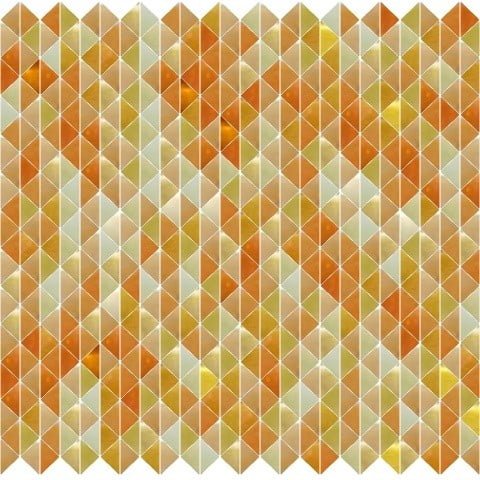
Do you want to create tile mosaic from
glass, ceramics, natural stone, quilts or
paper?
Do you have some master image or did you
need random mosaic filling?
You can use Mosaic Creator as supporting
tool. Calcutate and preview your tile mosaic.
What you can do with Mosaic Creator?
- Convert any image into a mosaic tile design
- Set any mosaic dimensions (Size calculator
included)
- se scanned images of tiles (any material
like glass, ceramics, stones, quilts, paper)
- Automatic filling from selected tile pictures
- Control tile repetition control
- Optimize result price
- Export high quality tile mosaic image
- Set any grout color and control gap size
- Render random pattern design
- Works well for pools, kitchens, bathrooms,
countertops, floors
- Prints a list of used tiles
- Prints mosaic design in real size
- Prints a tile grid, grid with tile numbers
- Render mosaic design with tile numbers
- Prints an estimate price based upon tile
price
- Easy to use with any tile set
- Use size calculator to calculate number
of tiles
If you want render exact mosaic, you must
have images of tiles. There are some
basic tile sets included in installation,
but only as single color images. You may
contact your tile vendor if they can deliver
tile image set to you.
|
|
 |
|
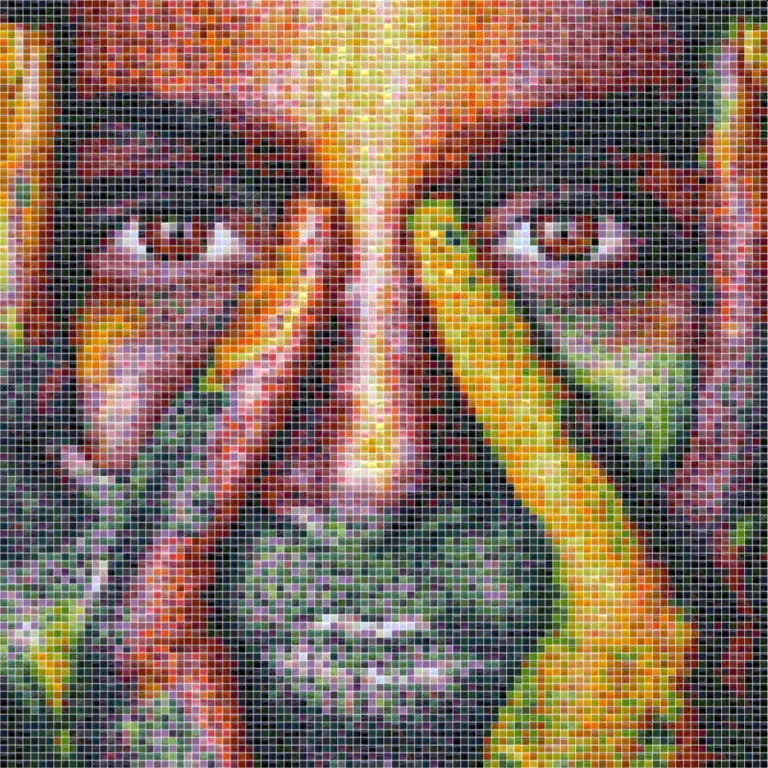
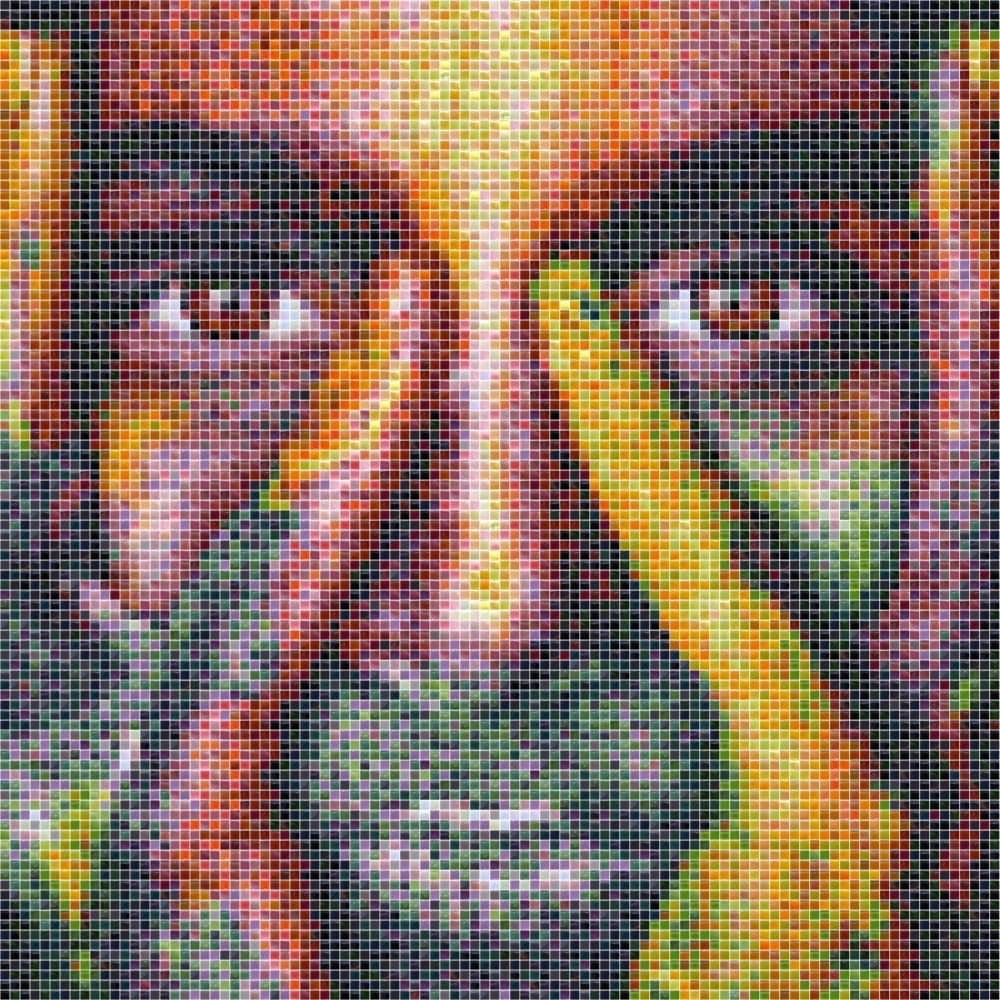
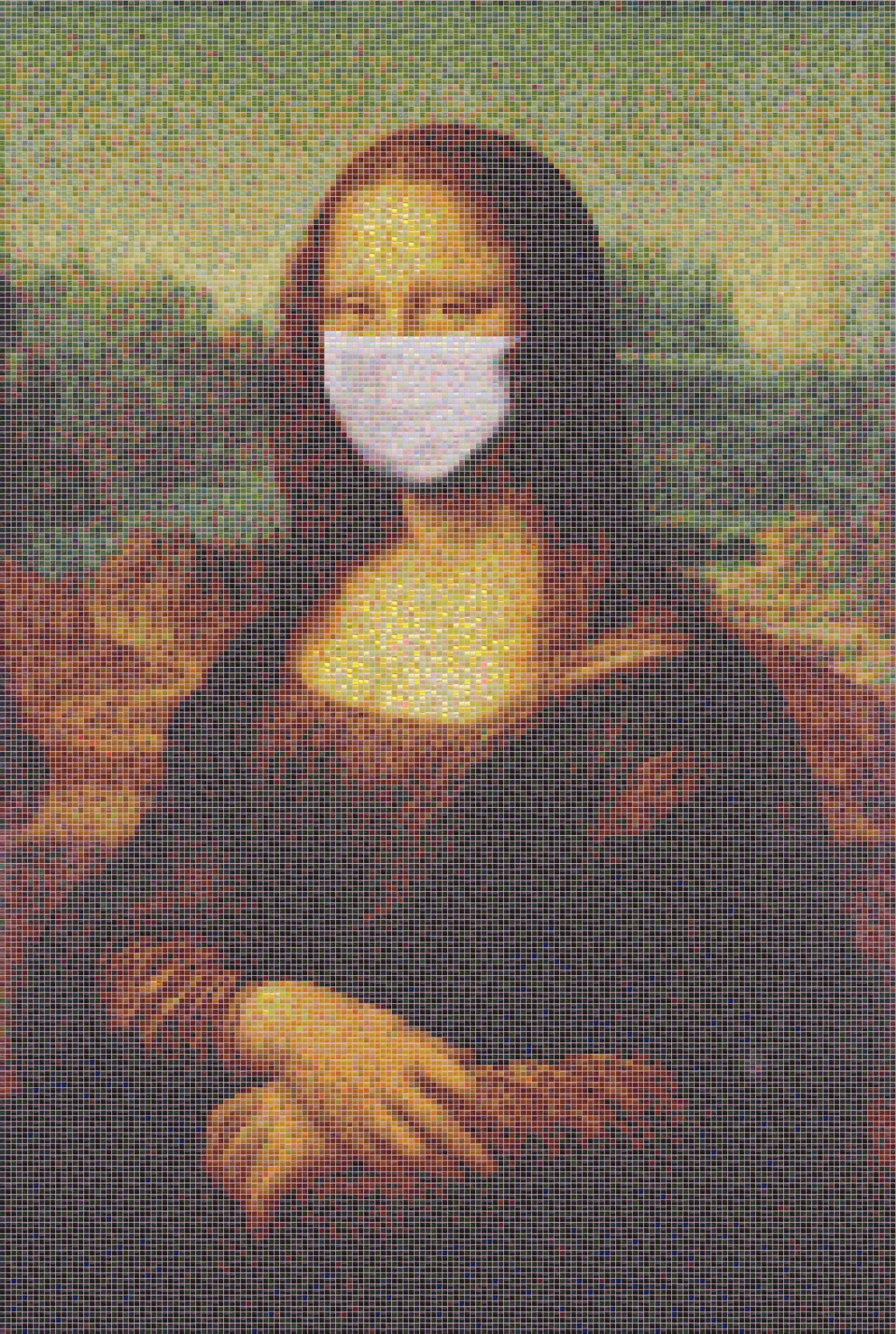
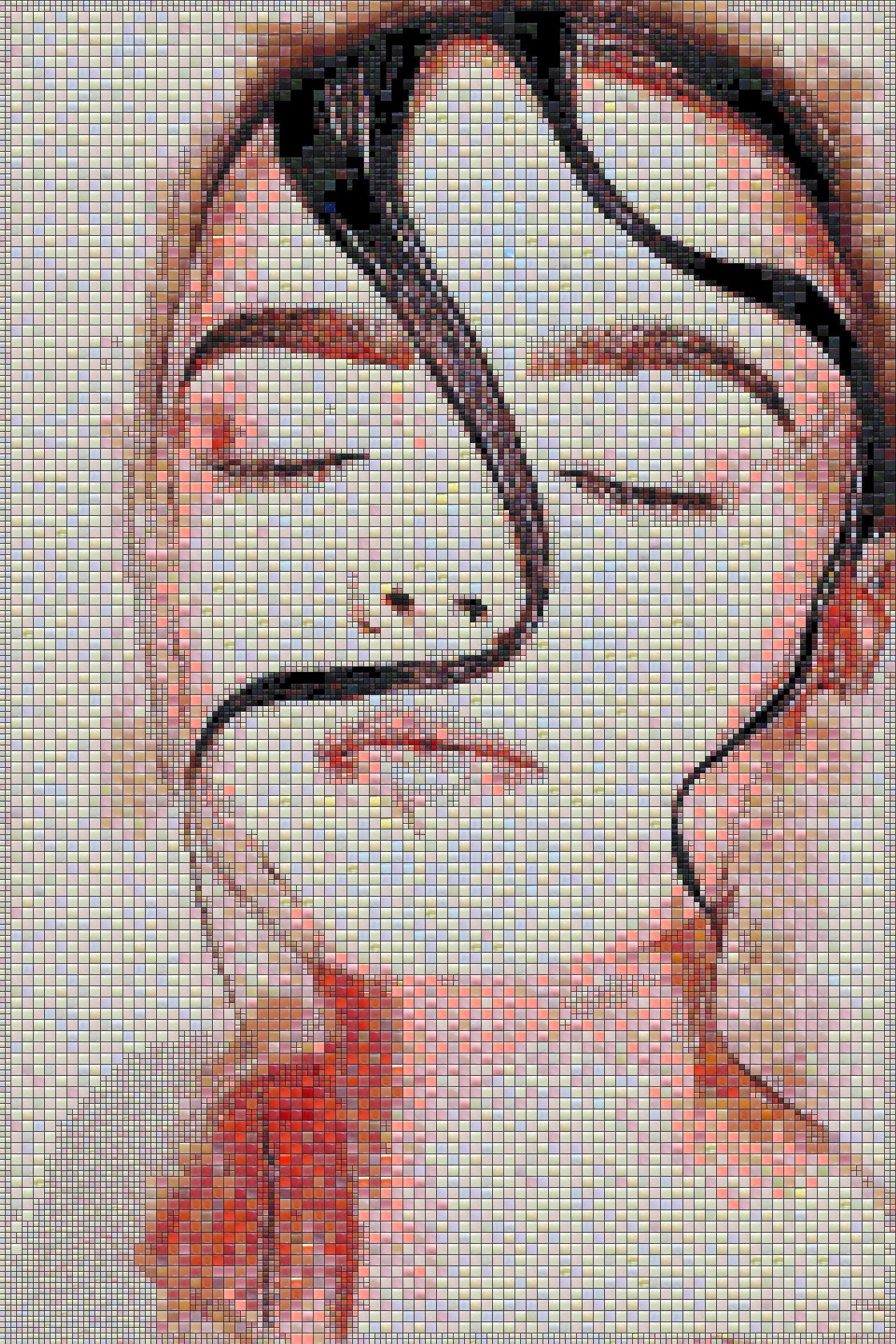
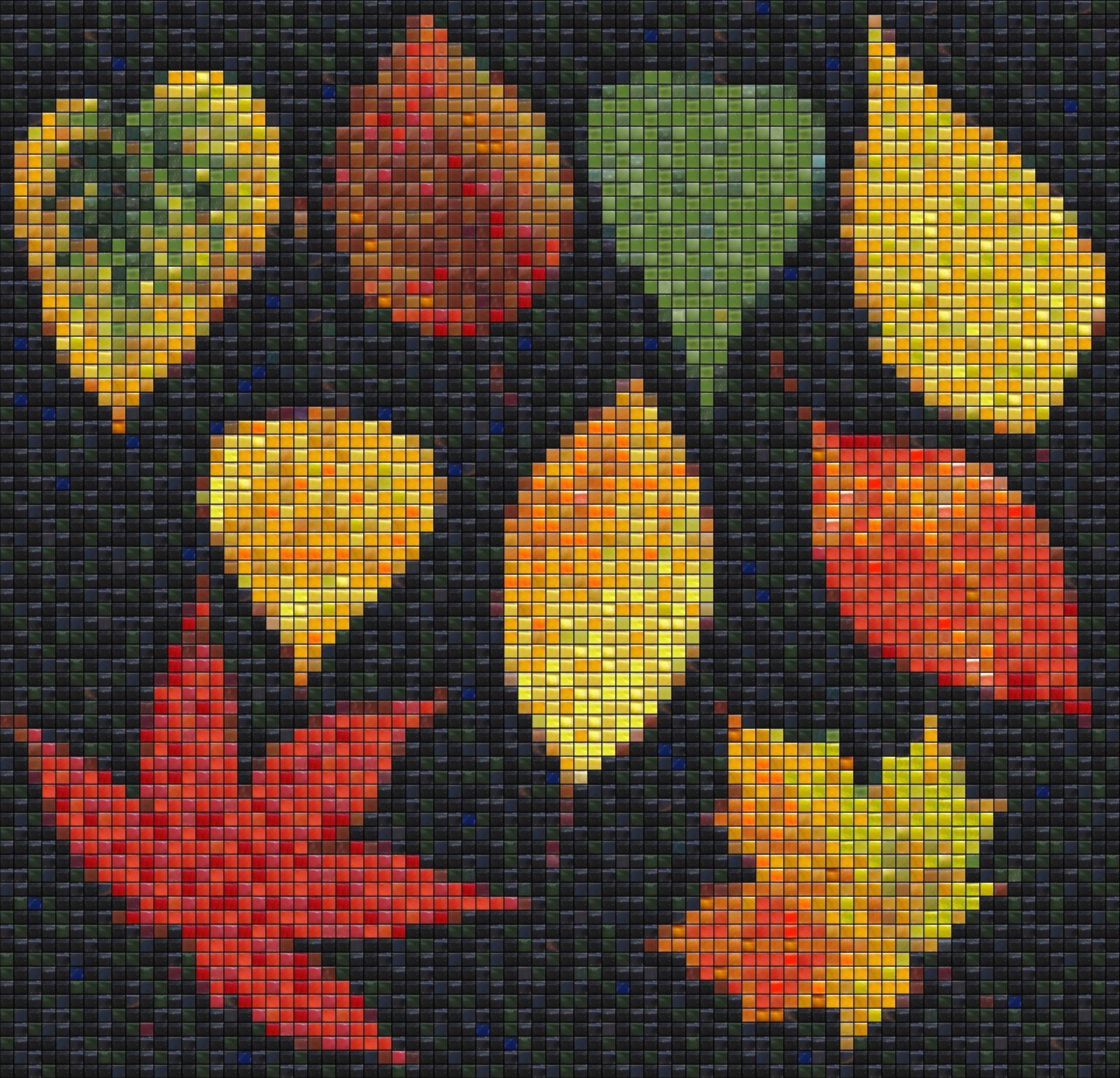
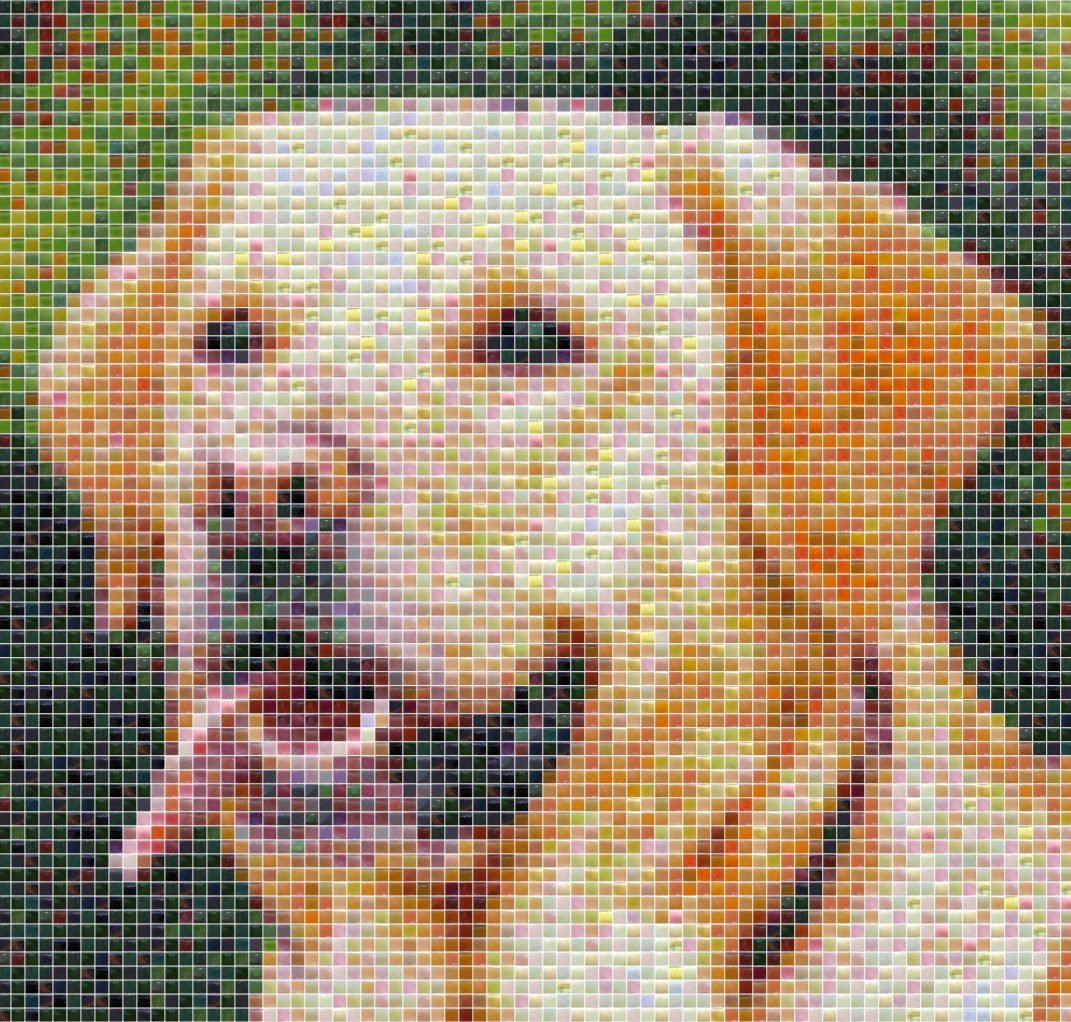
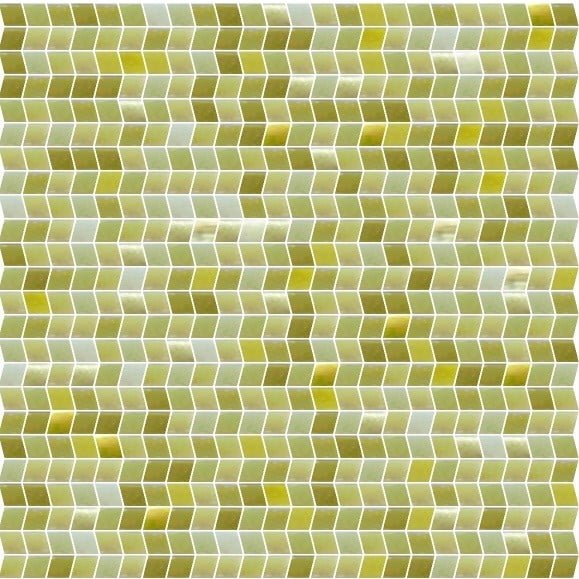
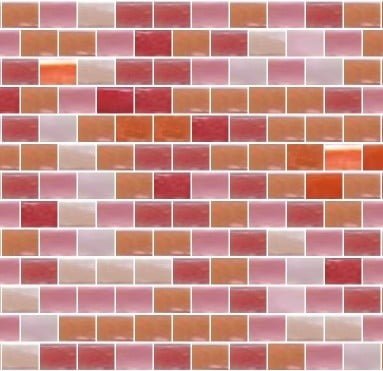
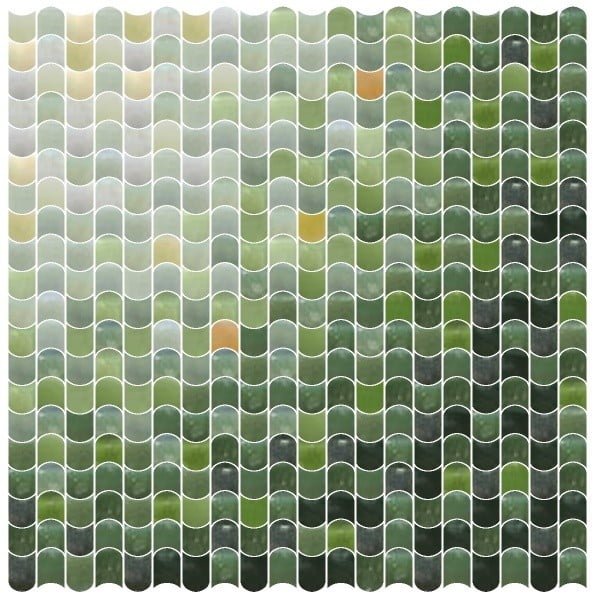
This is sample result of mosaic design.
You may use any source image and images
of cell images as tile images. Cell
images may be in any size. Each tile
should be in separated picture file.
Use picture file names relative to
tile color or type. There is recommended
stay in identification that uses your
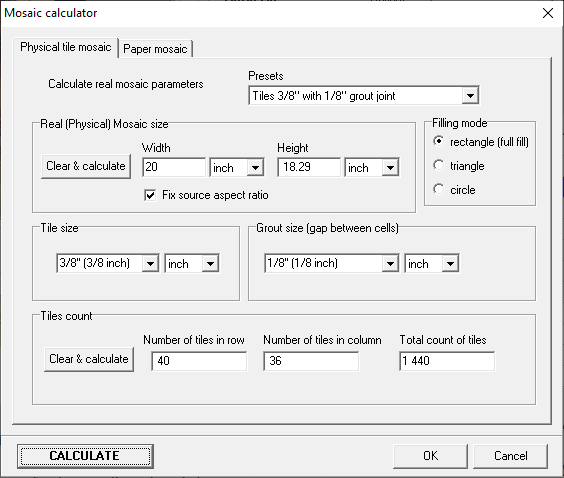
tile vendor. You can set any size
of result mosaic.
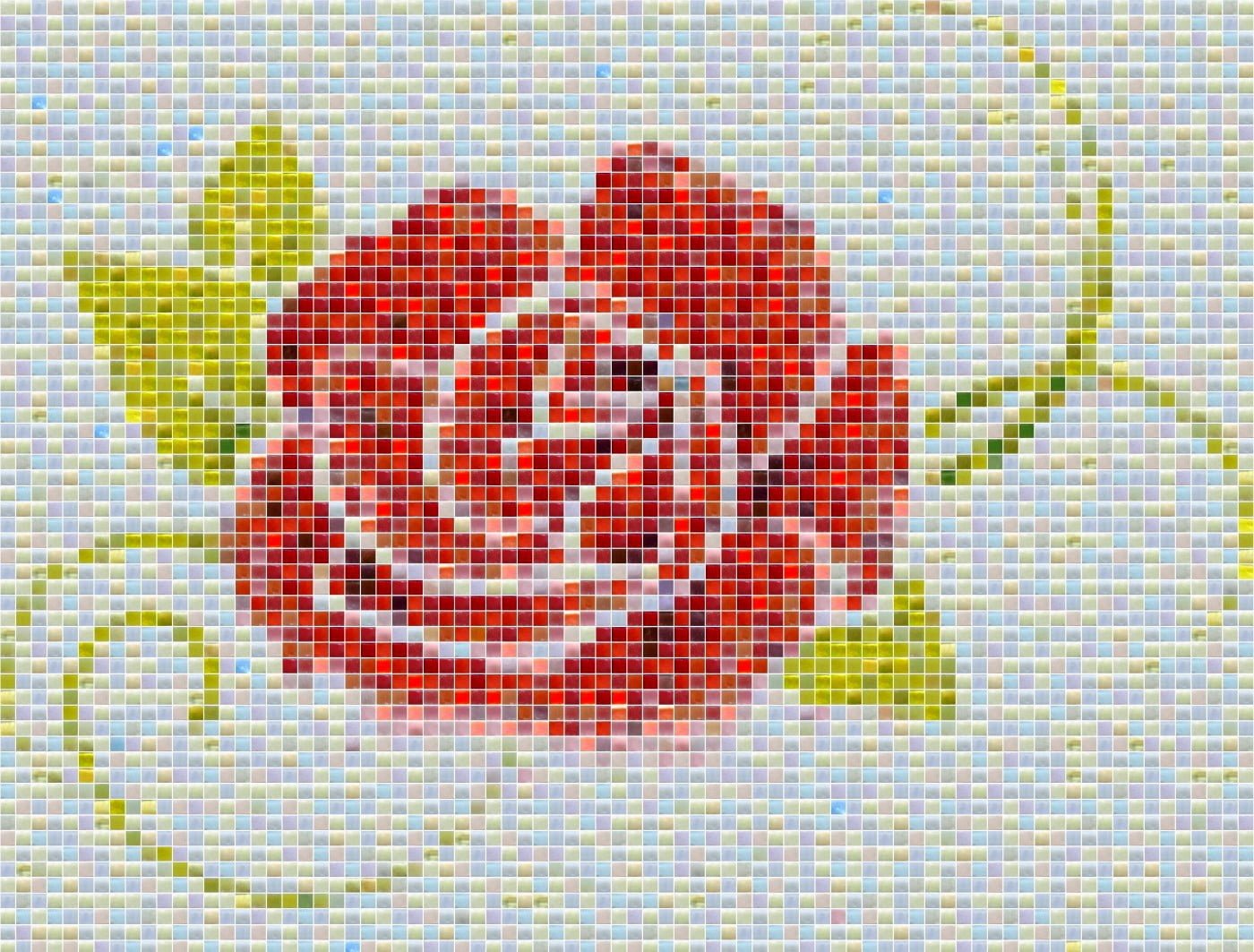
See sample ROSE tile mosaic. For
details use controls on the bottom.
|
|
fdd  f
|
|
|
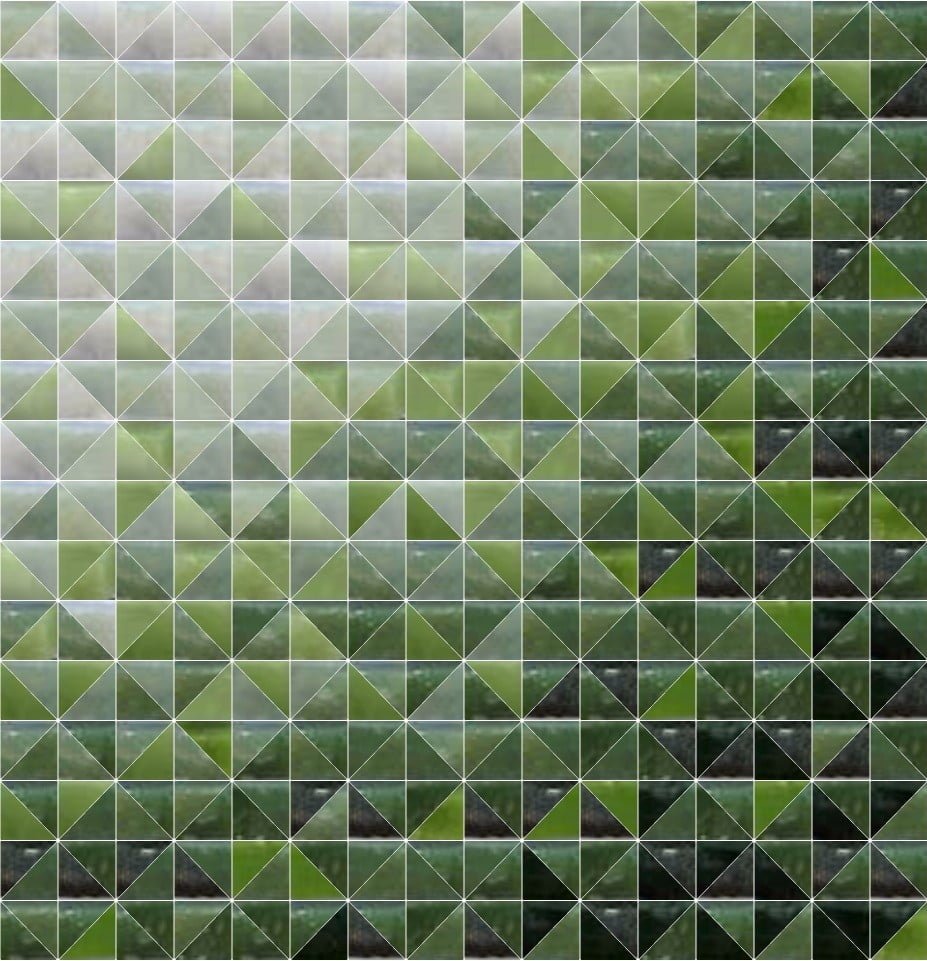
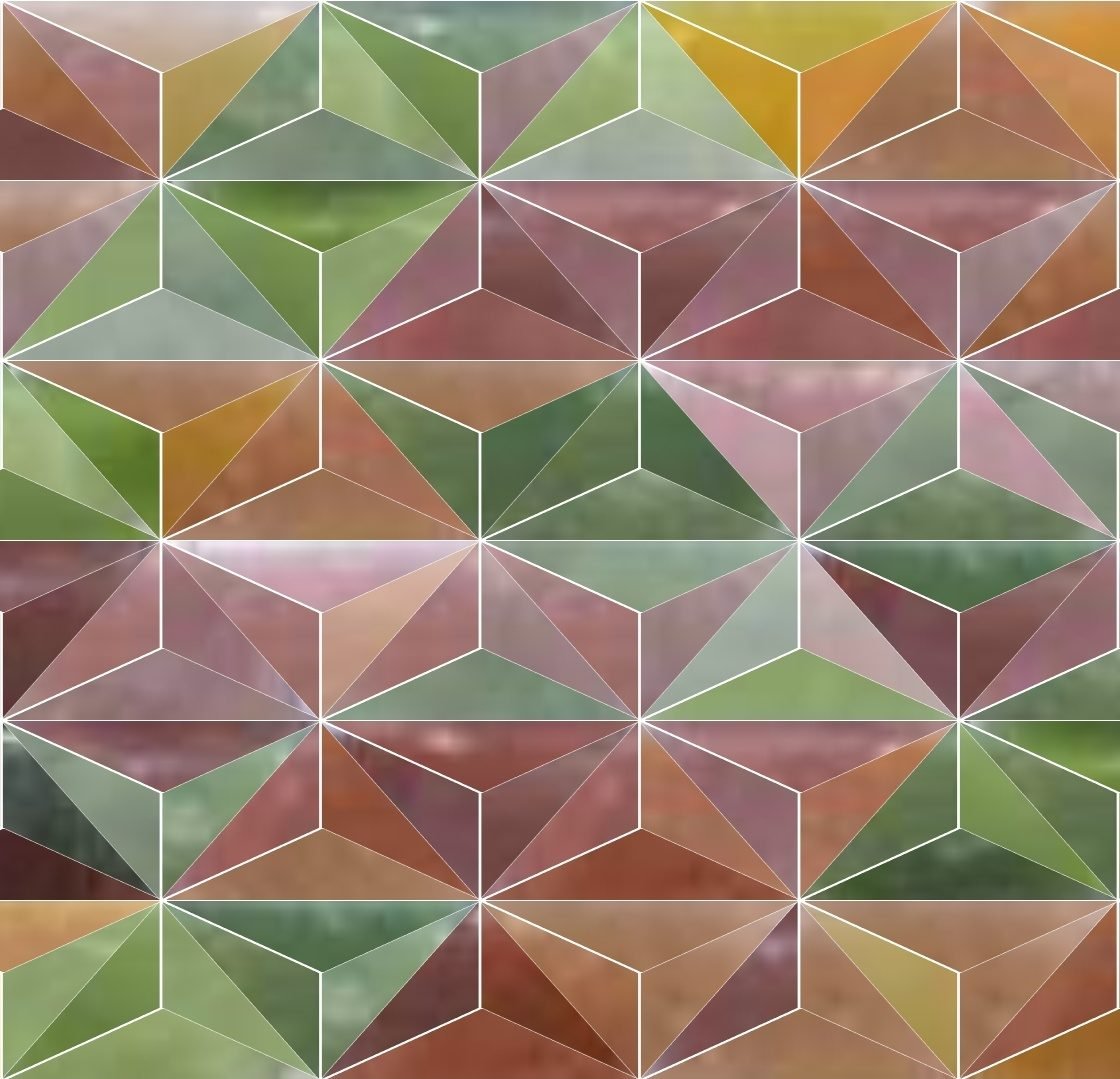
Each
tile design you can create from any
source image and any tile set (tile
images).
|
|
|
|
|
|
|
|
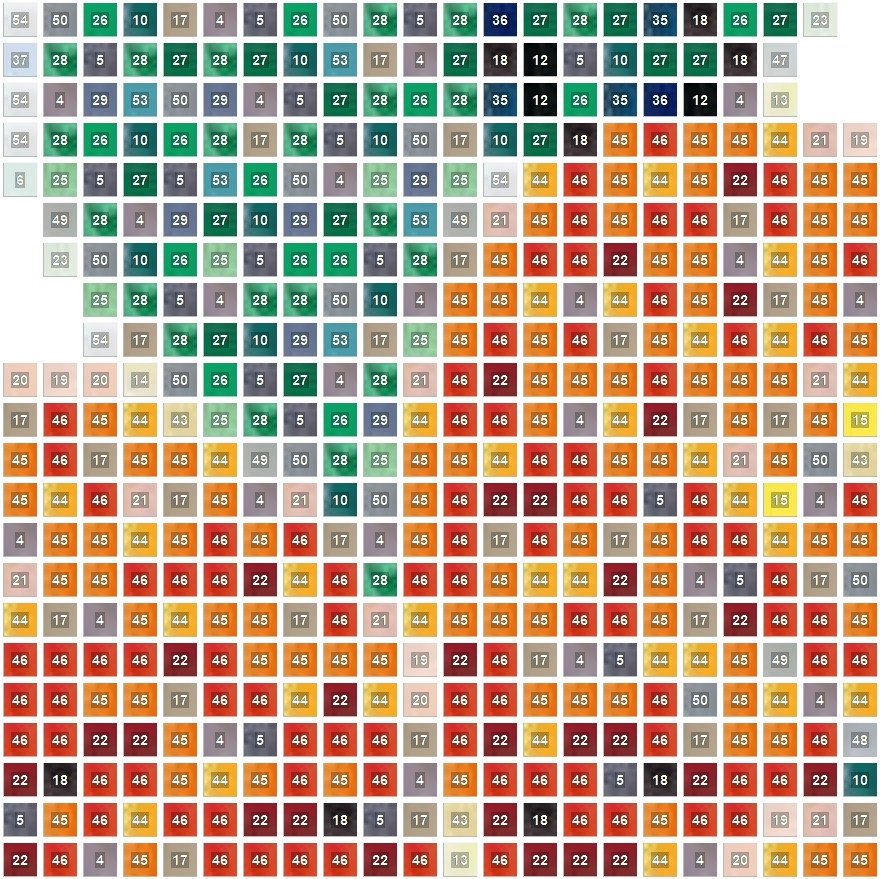
When mosaic rendering
is finished, you can export file
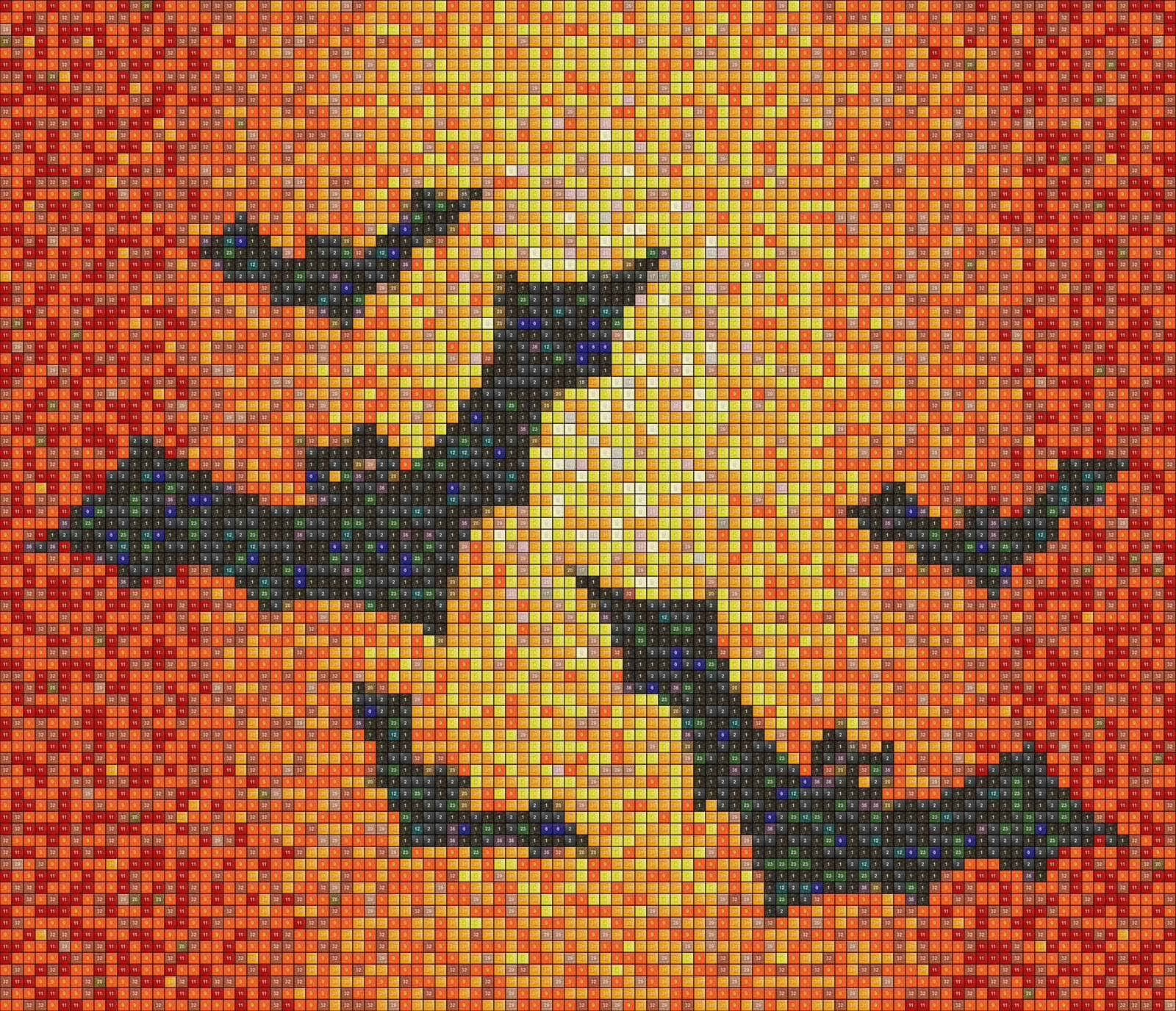
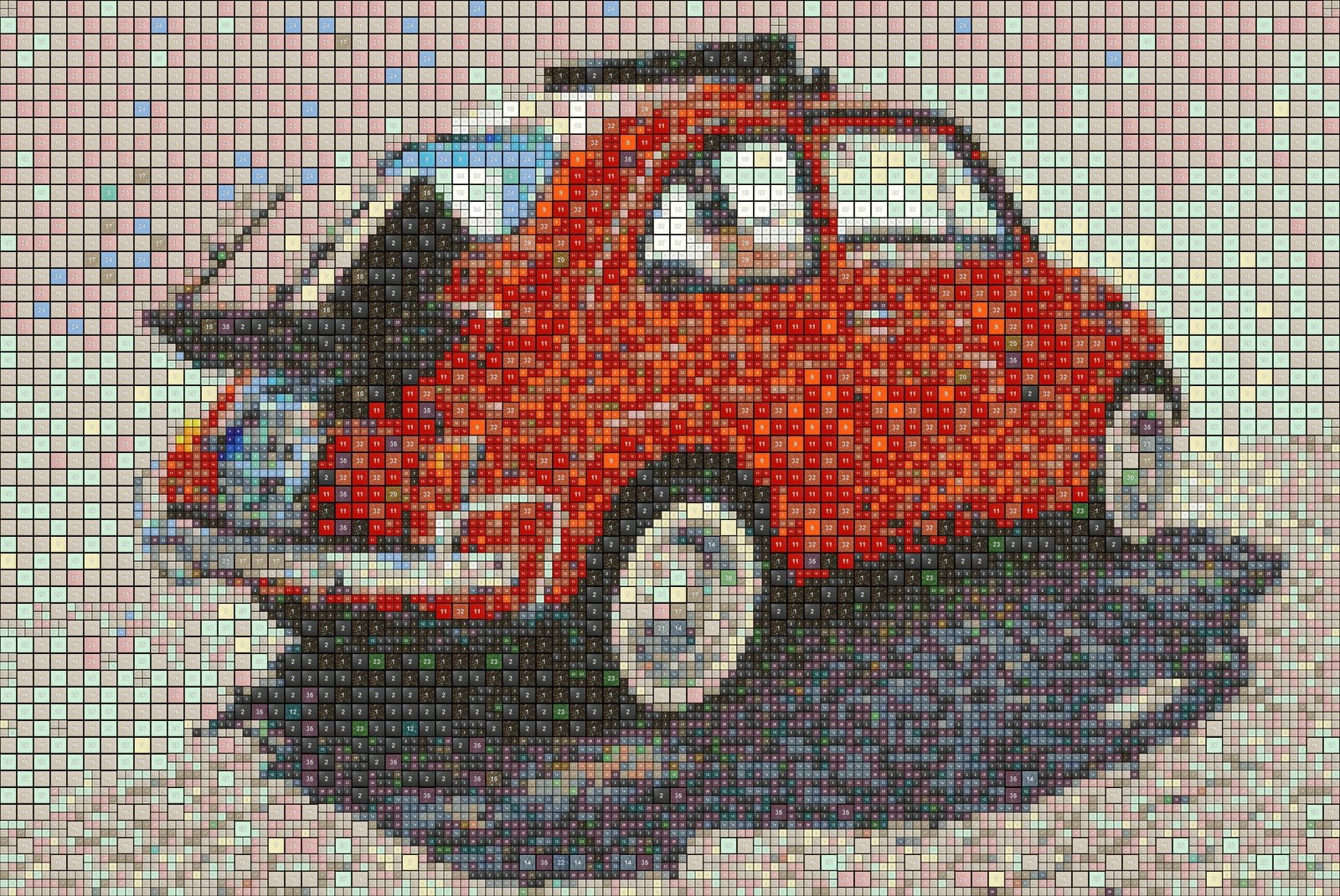
list and filling matrix. Filling
matrix is CSV file, which can be
viewed and printed in MS Excel or
similar software. Each cell in filling
matrix includes number of tile.
Number is visible in list of tiles.
This is sample
of pool bottom.
You can start basic tile price calculation.
You can see how many times is each
tile used and preview basic estimated
price. You can set basic price value
for one tile and set of tiles. When
you don't like to see some tiles,
you may remove it and render again.
If tiles are packed only in packages
and usage of some tile is low, you
can remove it to, if you need optimize
estimated price. You can use automatic
optimize function too.
|
|
|
|
|
|
|
|
|
|
|
|